
Warning: Constant WP_MEMORY_LIMIT already defined in /var/www/wordpress/wp-config.php on line 116

Warning: Cannot modify header information - headers already sent by (output started at /var/www/wordpress/wp-config.php:116) in /var/www/wordpress/wp-content/plugins/betterdocs-pro/includes/Admin/Analytics.php on line 25
How to Setup Multi-Factor Authentication to Increase Your Account Security – Payex is now Xendit
View Categories

How to Setup Multi-Factor Authentication to Increase Your Account Security

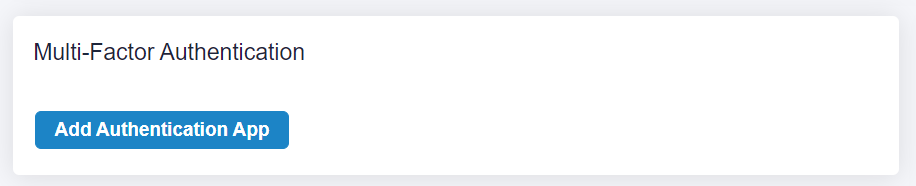
To increase account security, You may set up 2-factor Authentication
mfa payex 1

Steps to set up:

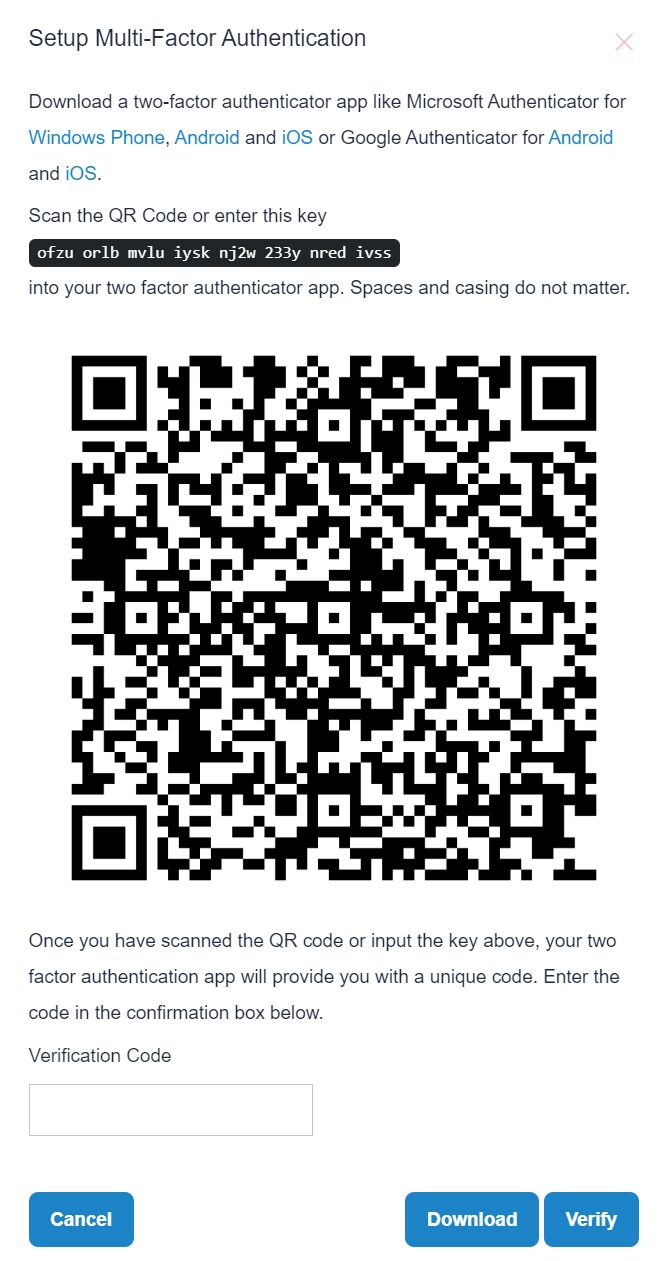
  1. Go to Settings -> Add Authentication App
  2. After setting up, each time the user login to Payex Dashboard -> user need authenticate via app to get the verification code
whatsapp image 2023 11 21 at 6.20.07 pm 1
Scroll to Top