The payment links you have generated earlier via Payex Portal can be deactivated by following the simple steps below.
Step 1: Login to Payex’s portal #
- Log on to our portal at https://portal.payex.io/Home, and key-in your credentials
Step 2: Go to Settings #
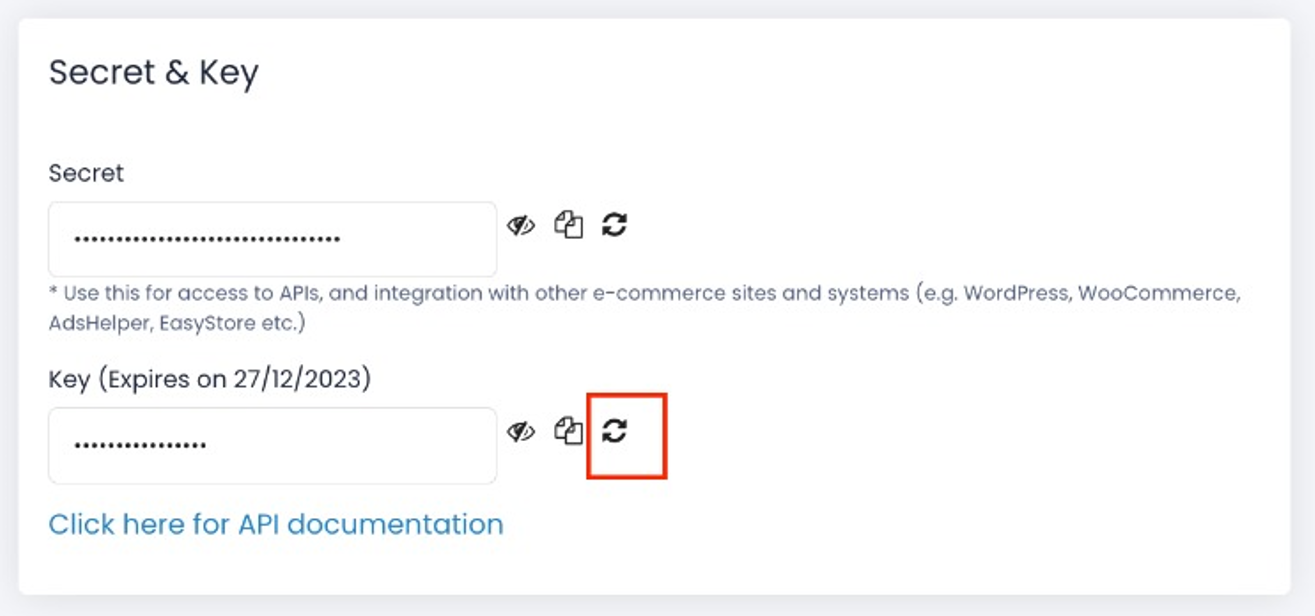
- Locate your “Key” at the Secret & Key section
Step 3: Refresh your Key #
- Click the “Refresh” icon next to your Key. As a result all payment links generated earlier will be invalid
- Note: You’re unable choose specific links to be deactivated