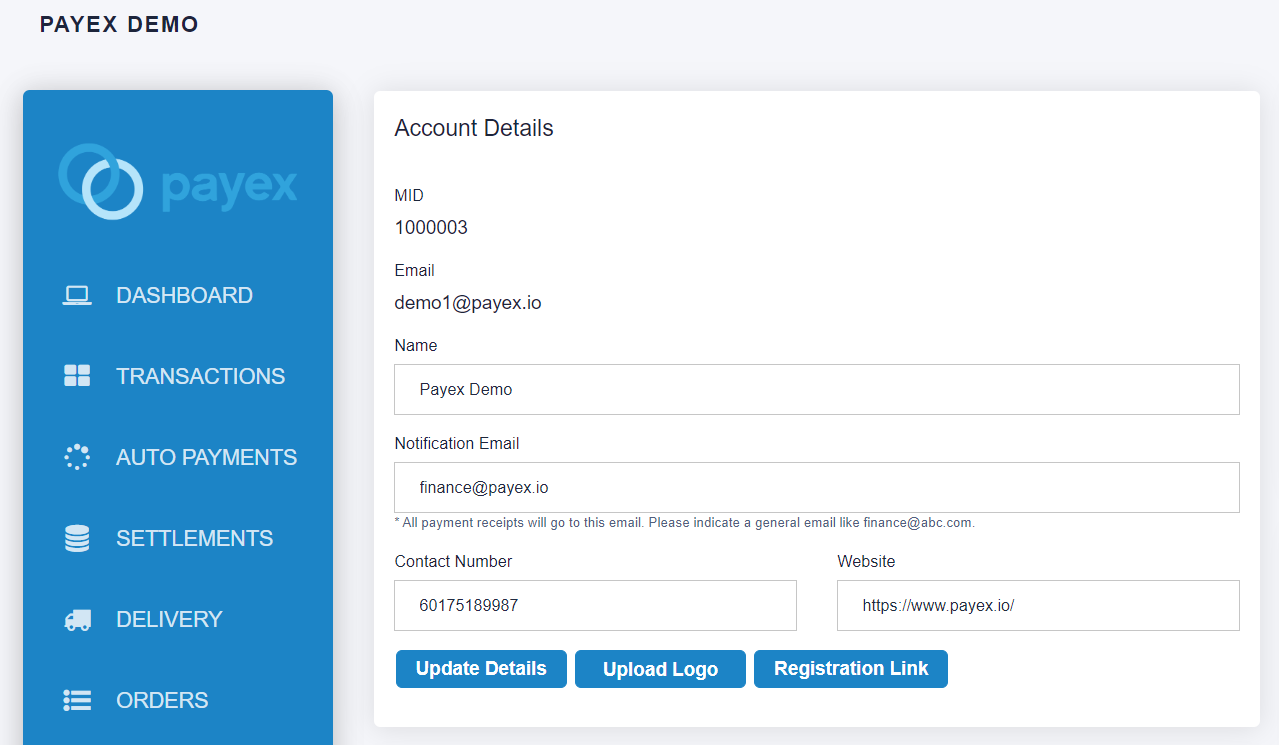
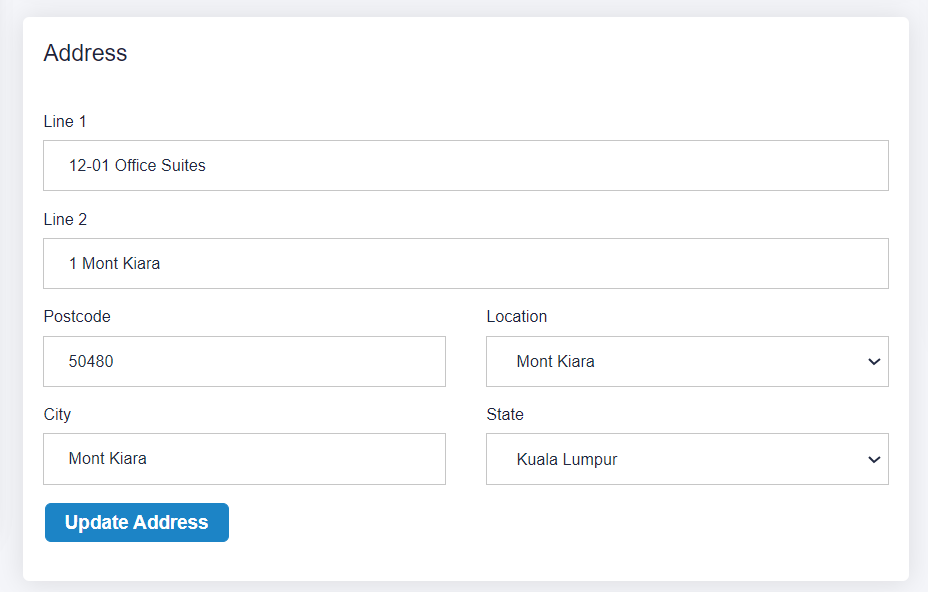
You can set up your business information (Business logo, business name, notification email, contact number and website) on Settings -> Account Details
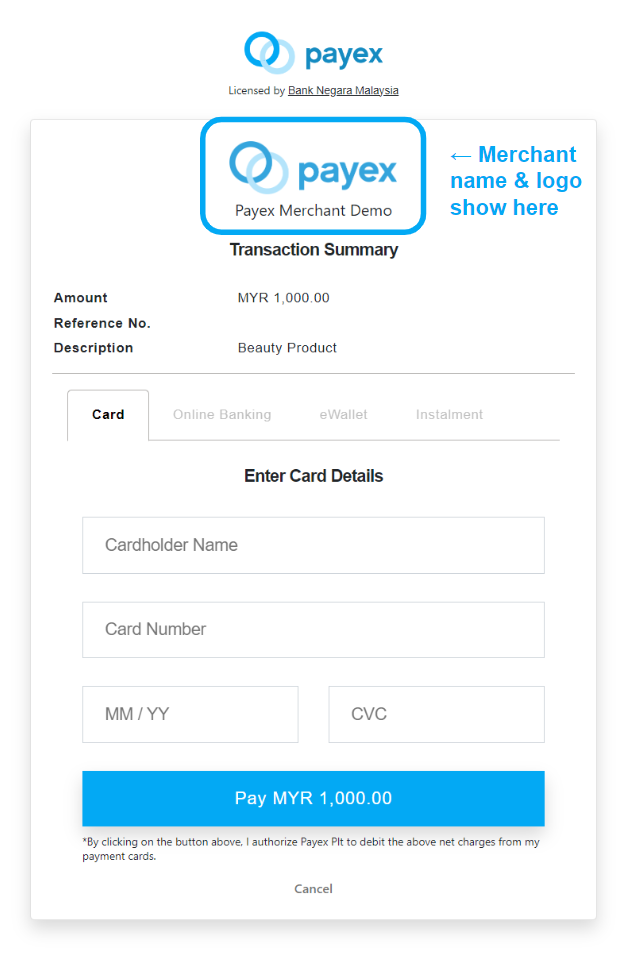
Your updated merchant name & logo will be displayed at the payment page, refer example in payment link below. Please note that logo update may take a little longer to reflect when using the API method, approximately 30 minutes.
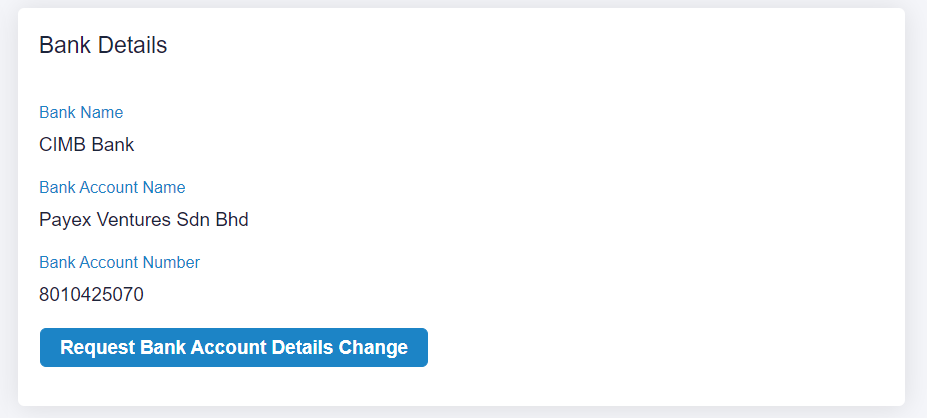
In order to request for change in bank account details, please contact merchant support via email at merchantsupport@payex.io or Whatsapp at +60192713728